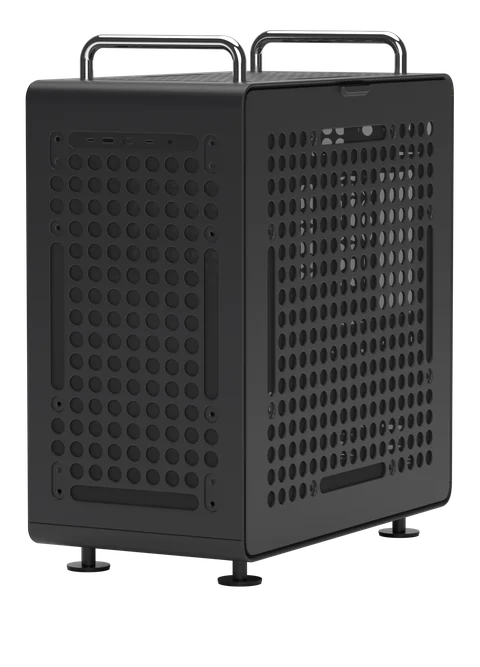
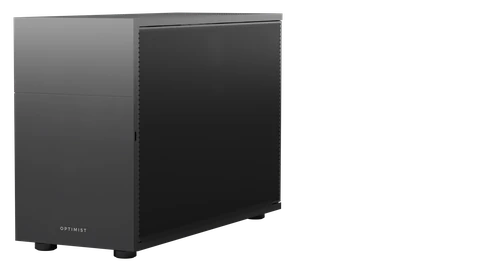




A laptop on a wooden desk in a sunlit design studio shows an architectural model, beside a monitor and plants.

Your whole fleet on one page.

It works for an office of engineers or artists, a lab or a row of simulators. You can find any system, start a repair from its page and see what waits on you. You can also put systems in groups, such as a room, a sim group or a department.

Try the fleet manager
  1. Systems

    1

    Search and groups

    Put your systems in groups you name, like Office 112 or Sim group 4. Search finds a serial, a label or a group across all of them.

    Open Systems in the demo
  2. 2

    Parts as built

    Each system’s page lists its parts as built and marks any that changed, with the repair or notice that changed it. Its firmware shows next to the version we suggest now.

    Open this system in the demo
  3. 3

    Fields you name

    Add your own fields to each system. Import your serials, asset tags and owners from a CSV file. You can export the list and the audit log as CSV too.

    Open its fields in the demo
  4. Repairs

    4

    Service tickets

    Open a ticket from the system’s page, and its build and warranty fill in. Each step is dated and says whose move it is: ours, yours or the carrier’s.

    Open this ticket in the demo
  5. Changes and access

    5

    Change notices

    On a fleet plan, any change to a part of your build comes with 90 days’ notice. Our tests of the new part come with it, so the systems you order next match the ones you have.

    Open this notice in the demo
  6. 6

    Roles

    Give each person on your team the view they need. That can be admin, group lead, technician, or read only for purchasing. People sign in with your own single sign-⁠on, and each role gets its own alerts. You can let an integrator in until a set date. The log keeps every change to who can see what.

    Open Admin in the demo

Installation

There is nothing to install on your computers. The fleet manager works from our build records and the diagnostic file you choose to send.

See a diagnostic file
The back of an OP-M, close: a black plate under the GPU brackets reads OPTIMIST, OP-M · OPC-000011.
The serial on the back names its build record.