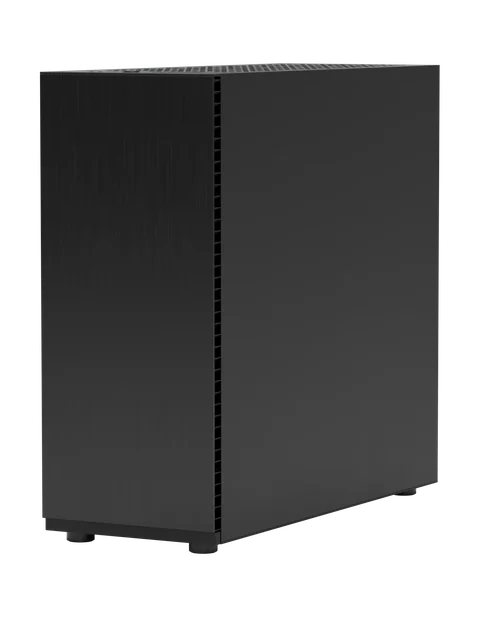
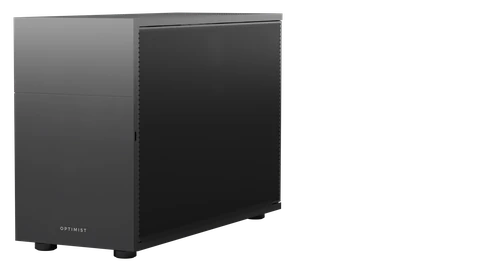





A racing rig is only as good as its slowest frame.
We build for driver-in-the-loop sims, racing venues and esports rigs.

A wheel base, pedals, a shifter, a handbrake and a button box can each take a USB port. The OP-S with the Ryzen 9 9900X has six USB ports on the back, one USB-C and five USB-A.
Recommended systems
-
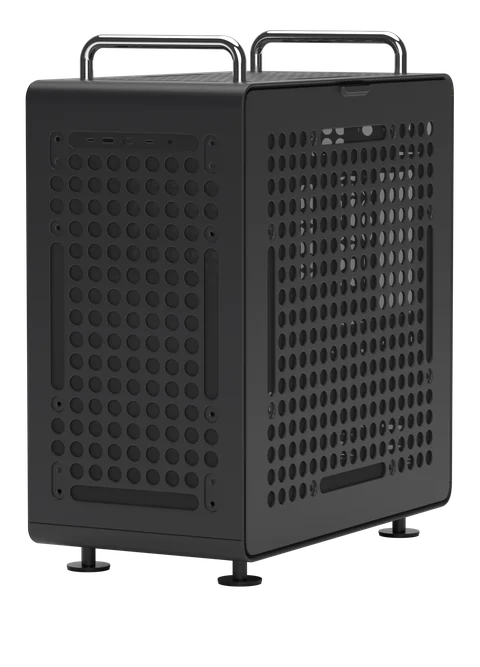
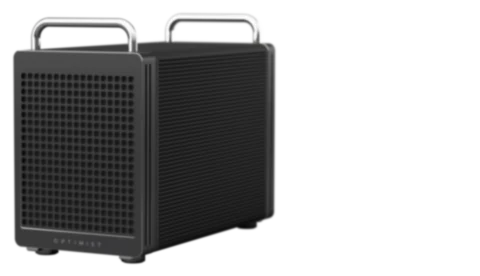
Number1 OP-S
For a venue’s rigs, one beside each. iRacing’s high-end specification lists 10 GB or more of GPU memory and names the Ryzen 9 9900X. The OP-S takes that processor and an RTX 5090 with 32 GB. The GPU has three DisplayPort outputs and one HDMI, for triple screens and a fourth display.
Source: iRacing, “System requirements”.
- One RTX 5090 (32 GB) or an RTX PRO 6000 (96 GB)
- 9.9 L, air-cooled
- AMD Ryzen or Intel Core Ultra: up to 24 cores, 128 GB of memory, 16 TB of storage
- With one RTX 5090: $11,920
-
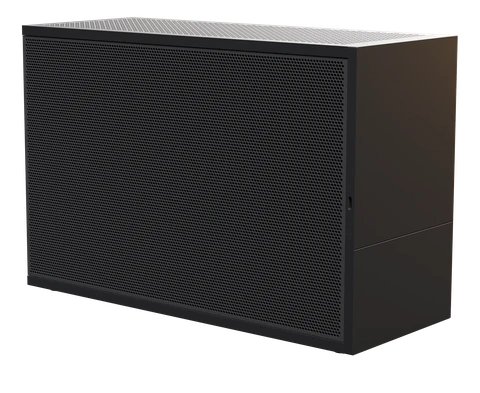
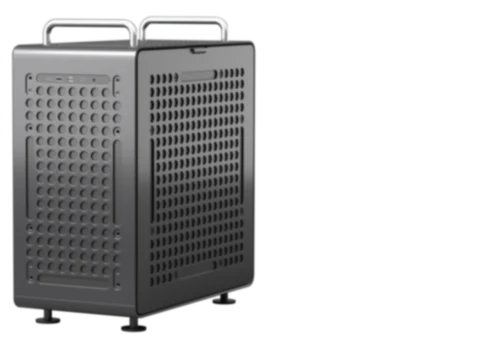
Number2 OP-M
For a team simulator that will add projector channels. Start with one or two RTX PRO 4500 GPUs, with four outputs each. Each GPU you add brings four more.
- One to three RTX PRO 4500 GPUs, 32 GB each
- Air-cooled
- AMD Threadripper: up to 64 cores, 512 GB of memory, 24 TB of storage
- With one RTX PRO 4500, air‑cooled: $17,820


Fleet manager
Every system we ship has its own page, with its parts, its tests and its repairs.
See how it worksA system page in the sample fleet: OPC-000024, a water-cooled OP-M with four RTX PRO 6000 Max-Q GPUs, in Lab 118.