




Cut, grade and deliver from the desk.
For DaVinci Resolve, Premiere Pro and After Effects. One GPU on the desk runs the edit and the grade. A bigger computer under the desk takes a second GPU and more drives.

Camera files decode on the GPU
Every GPU we fit decodes H.264 and HEVC camera files in hardware, even 10-bit 4:2:2. It decodes AV1 too. ProRes is not on NVIDIA’s list, so the processor decodes it.
NVIDIA’s encode and decode support matrixRecommended systems
-
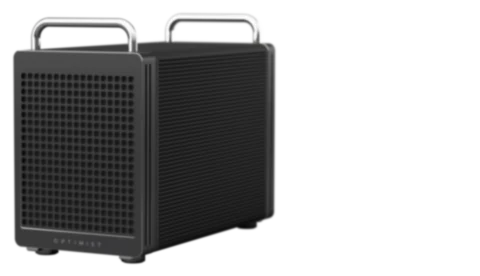
Number1 OP-S
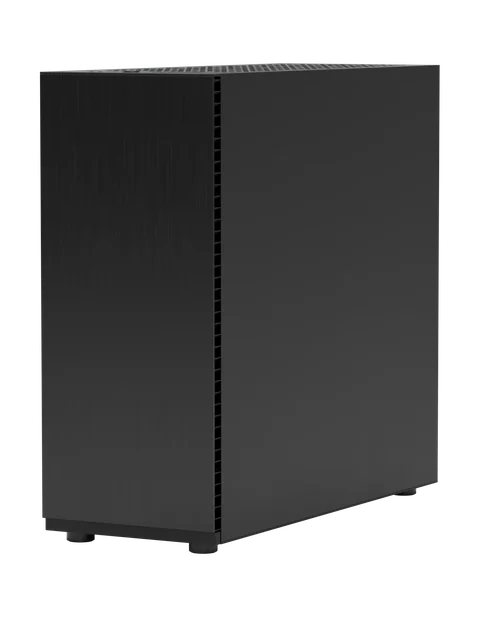
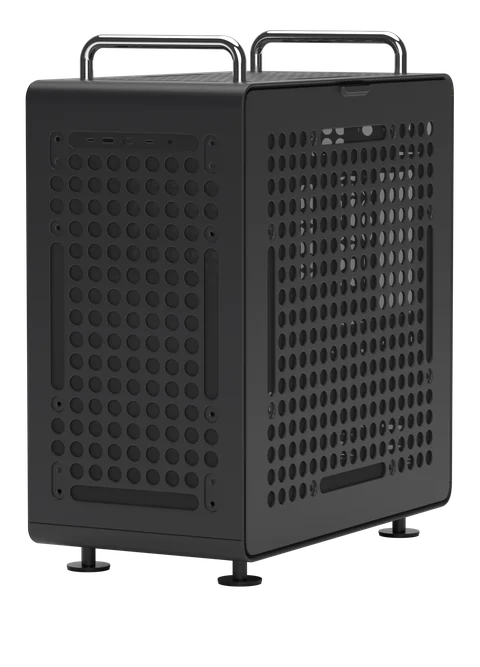
For editing and grading at the desk. The edit and the grade run on one GPU. For 8K finishing, or noise reduction that needs more than 32 GB of GPU memory, choose an RTX PRO 6000 with 96 GB. For a reference monitor, choose the Intel build: its Thunderbolt 4 port takes a Blackmagic UltraStudio monitor box.
- One RTX 5090 (32 GB) or an RTX PRO 6000 (96 GB)
- 9.9 L, air-cooled
- AMD Ryzen or Intel Core Ultra: up to 24 cores, 128 GB of memory, 16 TB of storage
- With one RTX 5090: $11,920
-
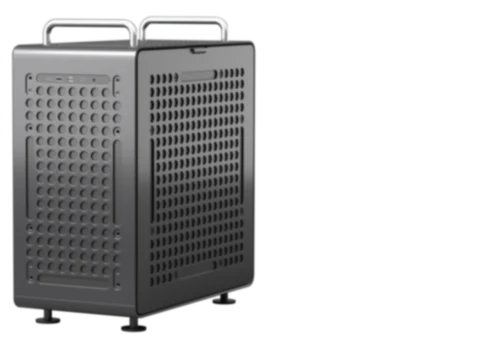
Number2 OP-M
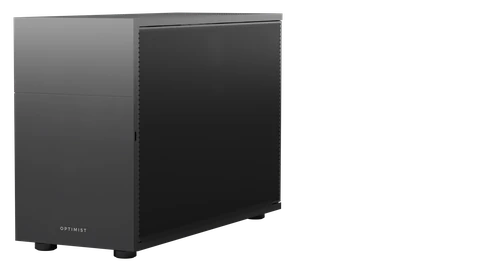
For a second GPU, more drives and faster Ethernet. It leaves room to grow under the desk. DaVinci Resolve Studio can use up to two RTX 5090s here. The board takes 24 TB of drives, against 16 TB on the OP-S, and 10 Gb Ethernet to shared storage is built in, against 2.5 Gb on the OP-S. For a reference monitor, its USB4 ports meet what Blackmagic asks for the UltraStudio Express Monitor 3G. With one GPU, by slot count, two PCIe slots stay clear for a DeckLink.
- One or two RTX 5090 GPUs, 32 GB each
- Air-cooled
- AMD Threadripper: up to 64 cores, 512 GB of memory, 24 TB of storage
- With one RTX 5090, air‑cooled: $19,720


Fleet manager
Every system we ship has its own page, with its parts, its tests and its repairs.
See how it worksA system page in the sample fleet: OPC-000024, a water-cooled OP-M with four RTX PRO 6000 Max-Q GPUs, in Lab 118.