



A 3D artist at a desk with two monitors, models open in Cinema 4D on both.

Fast frames start with a scene that fits on the GPU.

For scenes from Blender, Cinema 4D, Maya and Houdini. They render on the GPU in Cycles, Redshift, Octane or V-Ray GPU.

Scene memory against each GPU

After a render, Blender reports the scene’s peak memory. Slide to your scene’s size to see which builds hold it on the GPU.

Where Blender shows peak memory

GB of memory on the GPU

We rendered six of Blender’s own demo scenes on an RTX PRO 6000. The heaviest used 7.2 GB. The driver and Cycles take about 3 GB more. So a 32 GB GPU fits a scene that Blender says uses about 28 GB.

What the bars mean

We rendered six of Blender’s own demo scenes on an RTX PRO 6000. The heaviest used 7.2 GB. The driver and Cycles take about 3 GB more. So a 32 GB GPU fits a scene that Blender says uses about 28 GB.

How we measured

Source: Blender manual, “GPU Rendering”.

An animation studio desk: a character run cycle open in Maya, the figure sketches for it in a notebook below.

Render speed in Blender

Blender’s public benchmark scores each GPU on the same scenes. A higher score is faster. The RTX 5090 scores about 11 percent below the RTX PRO 6000.

  • RTX PRO 6000 In the OP-S · 205 runs 16,737
  • RTX 5090 In the OP-S and OP-M · 1,555 runs 14,966
  • RTX PRO 6000 Max-Q In the OP-M and OP-X · 39 runs 14,746

Median score in Blender Open Data (Blender 4.5, OptiX)

Each bar is the middle score of all the scores people sent to Blender Open Data for that GPU. We read them on November 11, 2026. The test runs one GPU at a time.

What the bars mean

Each bar is the middle score of all the scores people sent to Blender Open Data for that GPU. We read them on November 11, 2026. The test runs one GPU at a time.

Source: Blender, “Blender Open Data”.

Recommended systems

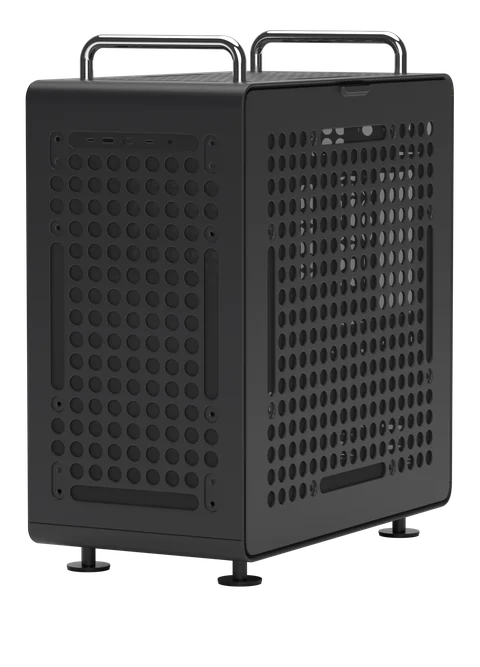
  1. Number1 OP-S

    For one artist at the desk. One fast GPU does the rendering. If your scene needs more than its 32 GB, choose the RTX PRO 6000 with 96 GB.

    • One RTX 5090 (32 GB) or an RTX PRO 6000 (96 GB)
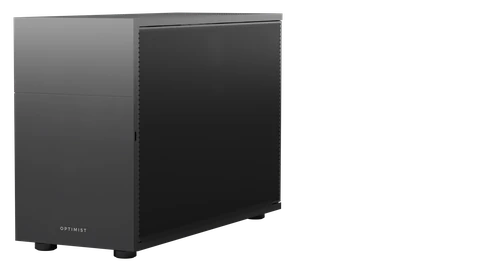
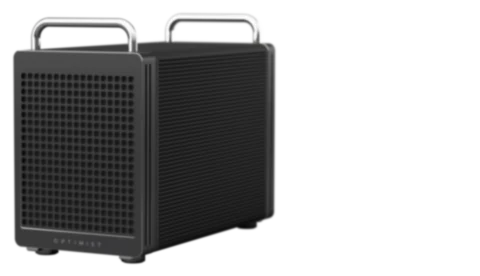
    • 9.9 L, air-cooled
    • AMD Ryzen or Intel Core Ultra: up to 24 cores, 128 GB of memory, 16 TB of storage
    • With one RTX 5090: $11,920
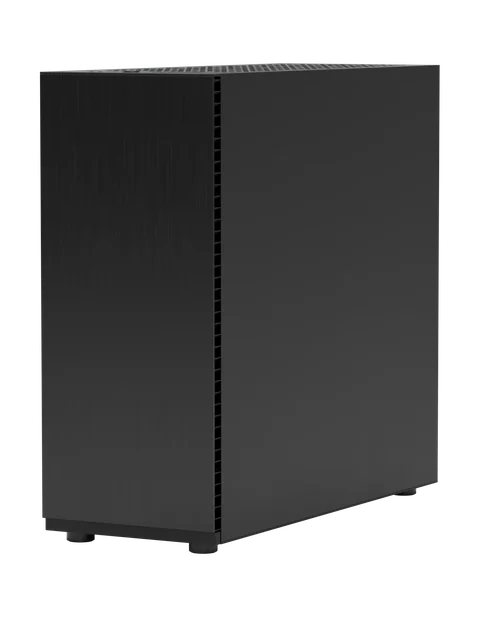
  2. Number2 OP-M

    For a studio that renders all day. Start with one or two RTX 5090s on air. When scenes outgrow 32 GB, choose RTX PRO 6000 GPUs with 96 GB each, up to four. More GPUs render faster, and each one holds the whole scene.

    • One or two RTX 5090 GPUs, 32 GB each, or one to four RTX PRO 6000 GPUs, 96 GB each
    • Water- or air-cooled
    • AMD Threadripper: up to 64 cores, 512 GB of memory, 24 TB of storage
    • With one RTX 5090, air‑cooled: $19,720

Fleet manager

Every system we ship has its own page, with its parts, its tests and its repairs.

See how it works

A system page in the sample fleet: OPC-000024, a water-cooled OP-M with four RTX PRO 6000 Max-Q GPUs, in Lab 118.
One system’s page, from the sample fleet.
A system page in the sample fleet: OPC-000024, a water-cooled OP-M with four RTX PRO 6000 Max-Q GPUs, in Lab 118.
What do you render?