




For jobs too big for a laptop and too small for a cluster.
University labs and research groups run their work on our computers. One person uses one at a desk, or the whole lab shares it.
Research fields

Life sciences
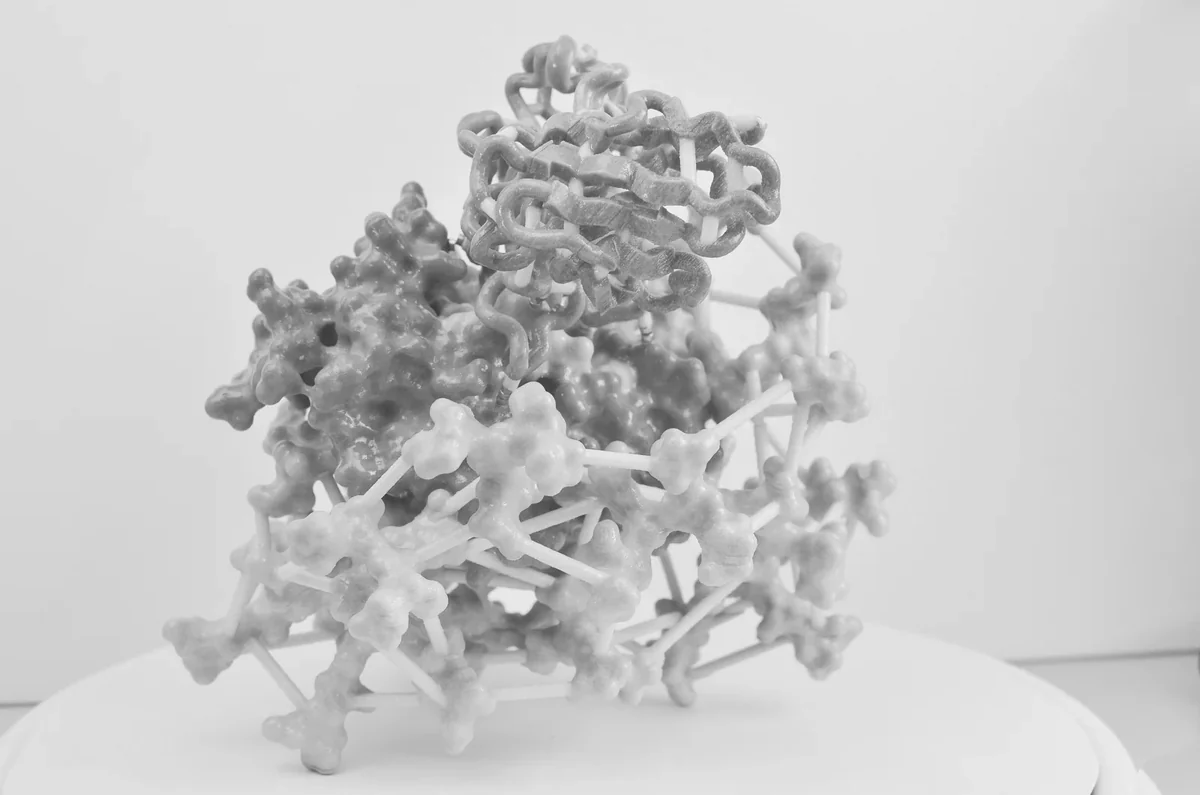
Drug discovery

AI development
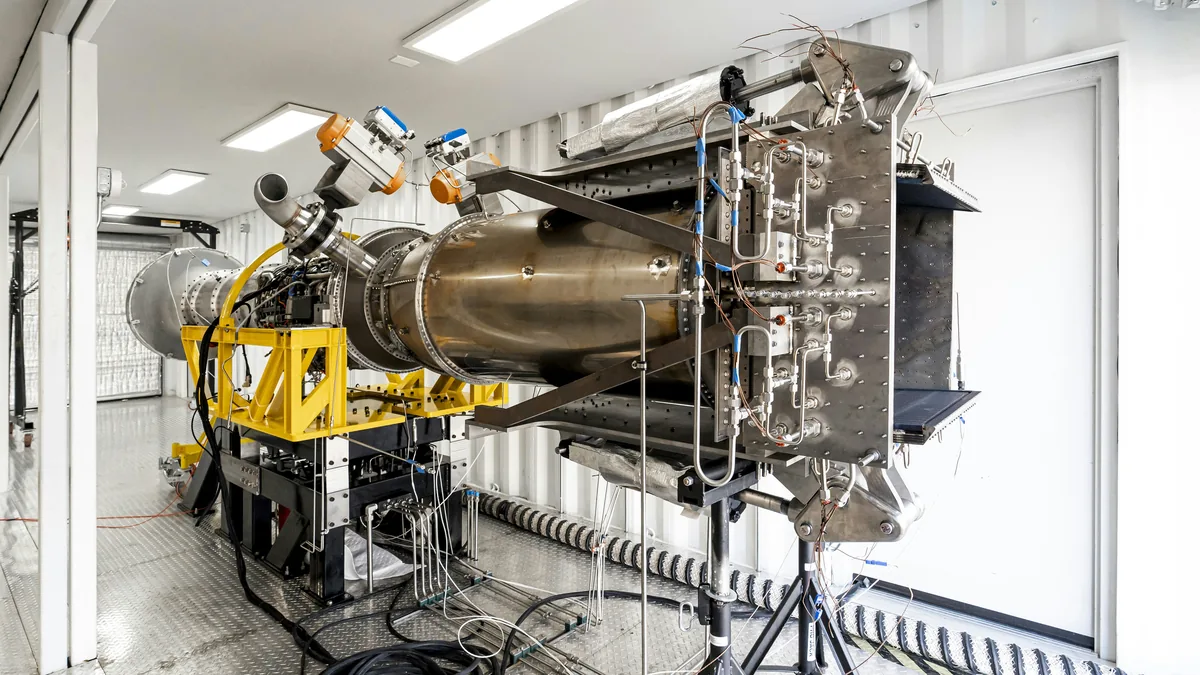
Engineering
Field research

Robotics
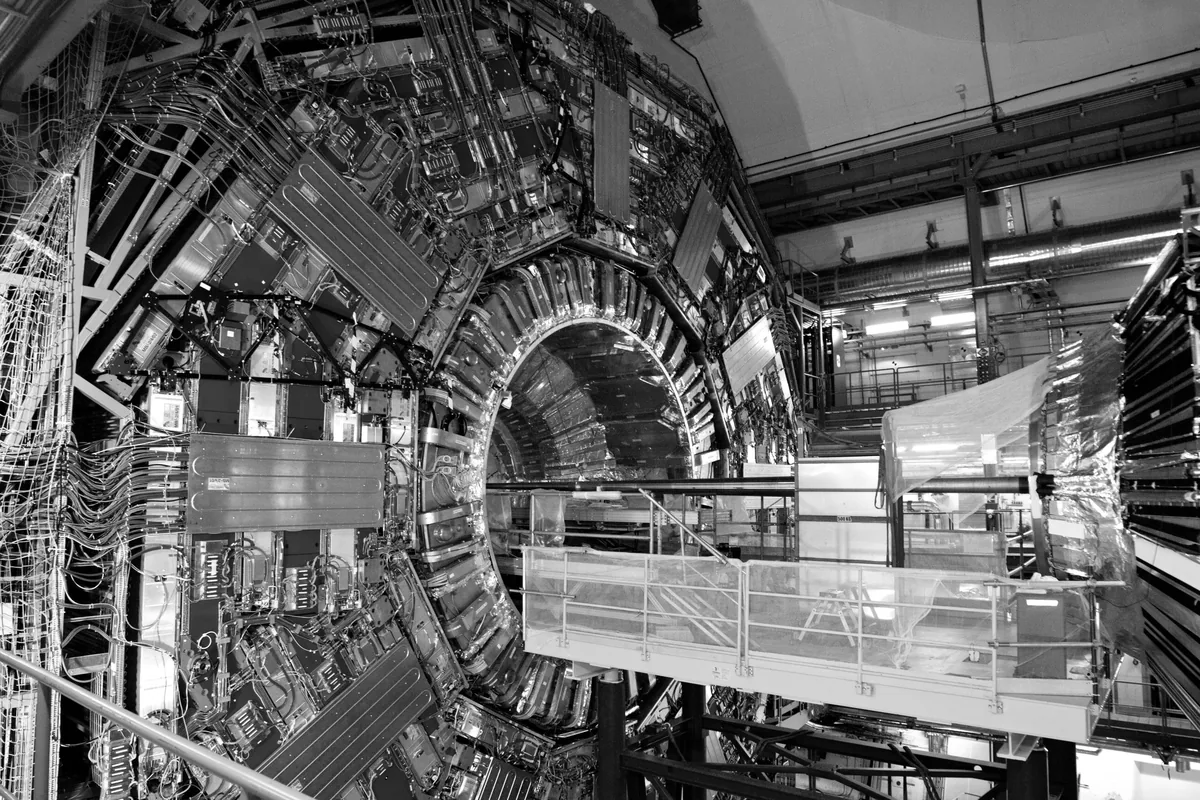
Physics and astronomy
The RTX 5090 and RTX PRO 6000 are fast at single precision. They are slow at double precision (FP64), so run that code on other computers.
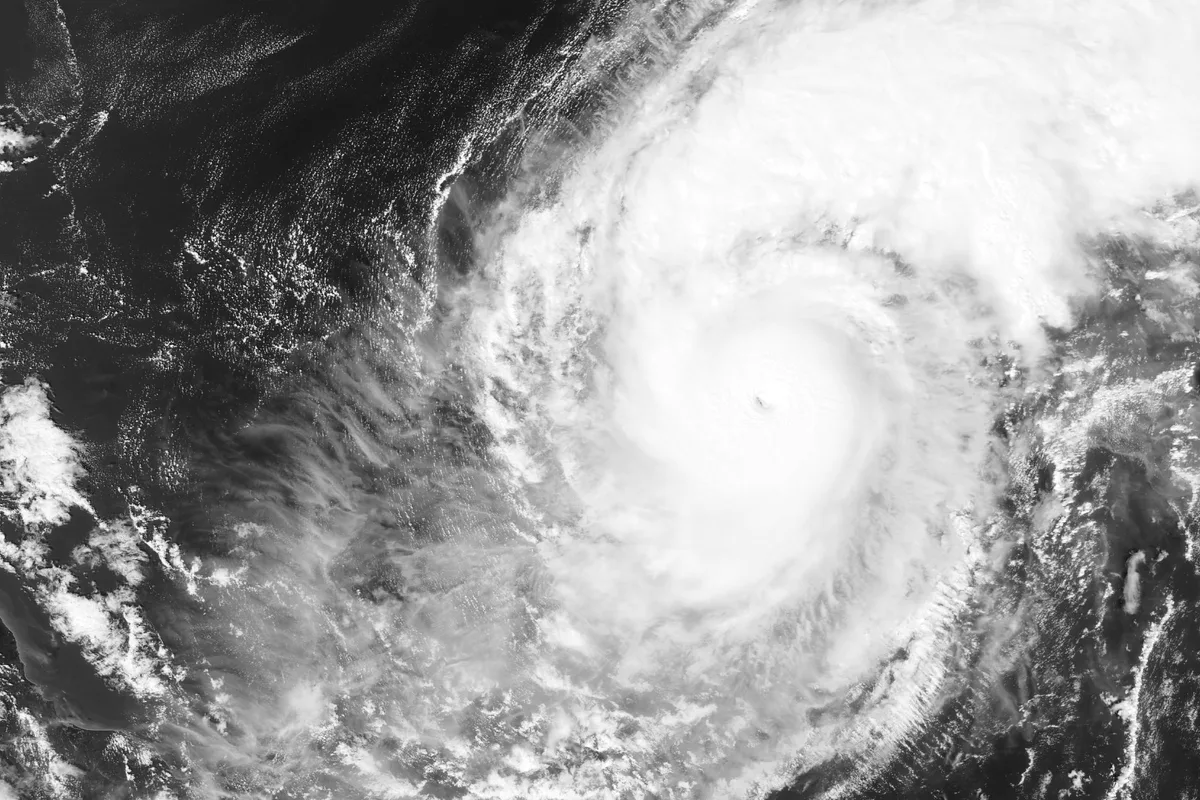
Weather and climate
NVIDIA’s FourCastNet 3 forecast model needs one GPU with 60 GB or more. That is the RTX PRO 6000, with 96 GB.
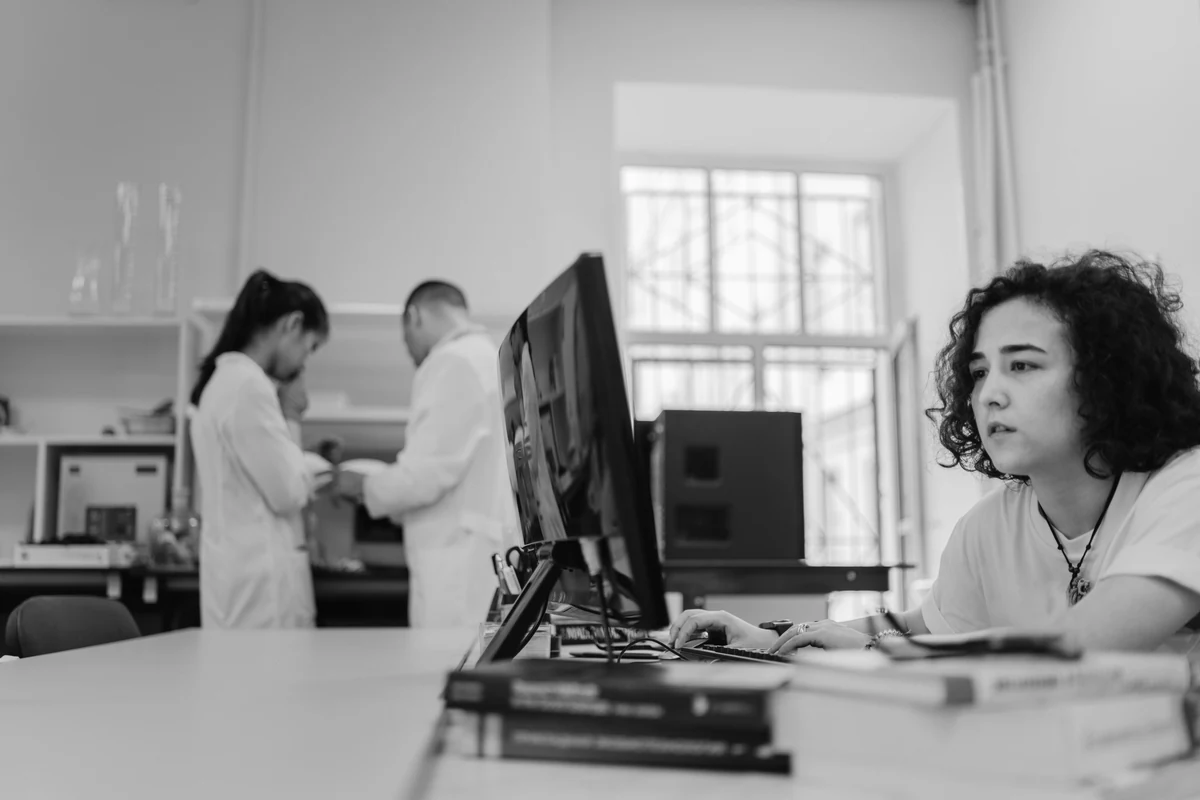
Universities and teaching
Per NVIDIA’s MIG guide, each RTX PRO 6000 splits into up to four instances, so a few people can share one system.


Sources: NVIDIA, “FourCastNet NIM prerequisites” and “Multi-Instance GPU User Guide: Supported GPUs”.
Recommended systems
-
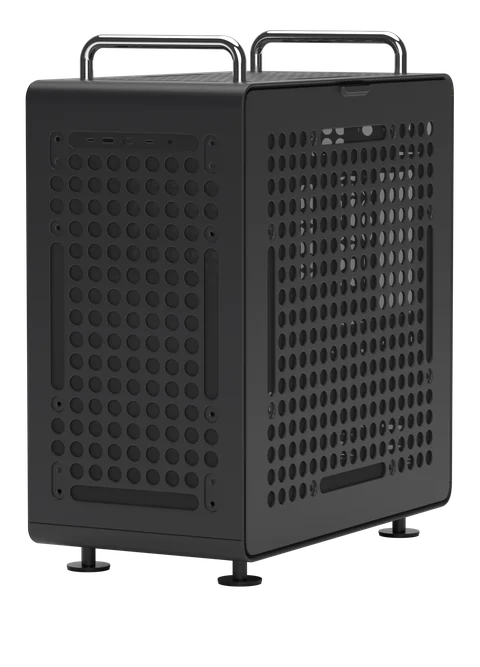
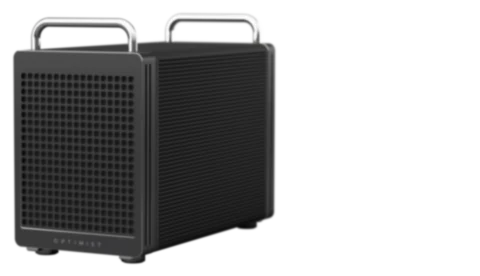
Number1 OP-S
For one researcher at the desk. An RTX 5090 on a researcher’s own desk runs models and data too big for a laptop. Choose the RTX PRO 6000 when the model needs 96 GB.
- One RTX 5090 (32 GB) or an RTX PRO 6000 (96 GB)
- 9.9 L, air-cooled
- AMD Ryzen or Intel Core Ultra: up to 24 cores, 128 GB of memory, 16 TB of storage
- Ubuntu 24.04 LTS or Windows 11 Pro
- With one RTX 5090: $11,920
-
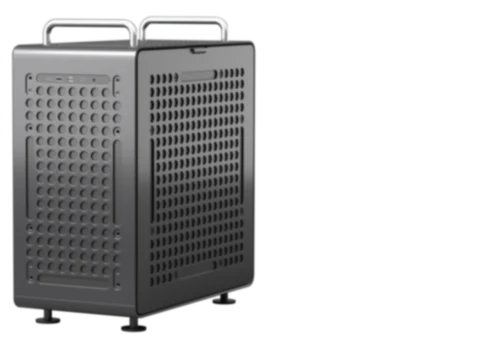
Number2 OP-M
For a lab sharing one system. One OP-M the whole lab logs in to. Start with one GPU and add up to four as the lab grows.
- One to four RTX PRO 6000 GPUs, 96 GB each
- Water- or air-cooled
- AMD Threadripper: up to 64 cores, 512 GB of memory, 24 TB of storage
- Ubuntu 24.04 LTS or Windows 11 Pro
- With one RTX PRO 6000 Max‑Q, air‑cooled: $34,350
-
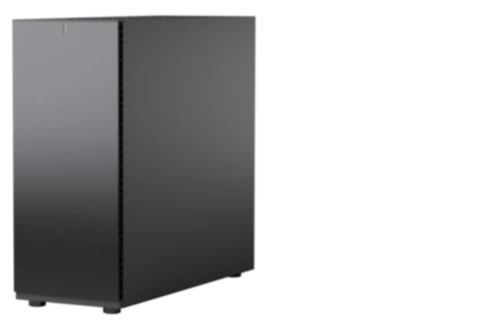
Number3 OP-X
For the lab’s largest models and datasets. Seven GPUs and up to 1 TB of memory hold the lab’s largest models and datasets.
- One to seven RTX PRO 6000 GPUs, 96 GB each
- Water- or air-cooled
- AMD Threadripper PRO: up to 96 cores, 1 TB of memory, 32 TB of storage
- Ubuntu 24.04 LTS or Windows 11 Pro
- From $39,540, with one RTX PRO 6000 Max‑Q, air‑cooled


Fleet manager
Every system we ship has its own page, with its parts, its tests and its repairs.
See how it worksA system page in the sample fleet: OPC-000024, a water-cooled OP-M with four RTX PRO 6000 Max-Q GPUs, in Lab 118.