



Memory sets how many images fit in one project.
Mapping software runs on one NVIDIA GPU. Then system memory sets how many images one project can hold.

Splats train on the GPU
Gaussian splats are the one mapping step where the GPU’s memory sets the limit. Pix4D asks for at least 10 GB. Esri recommends 16 GB or more. An RTX 5090 has 32 GB, and an RTX 5080 has 16 GB.
Sources: Pix4D, “PIX4Dmatic requirements”; Esri, “ArcGIS Reality Studio system requirements”.
Recommended systems
-
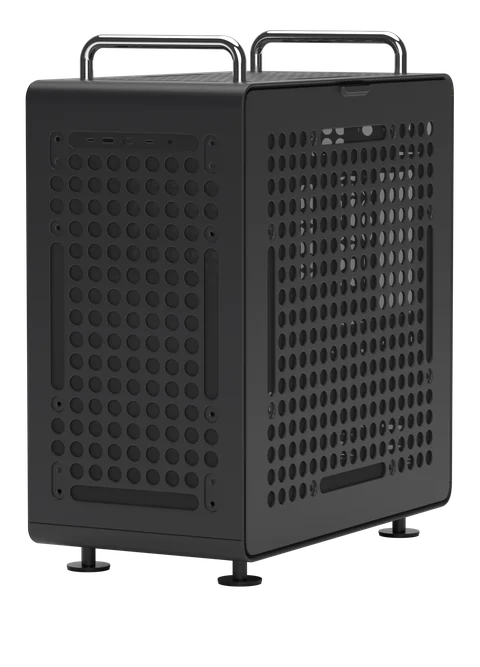
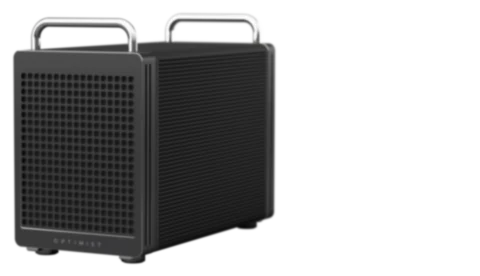
Number1 OP-S
For splats, and projects up to 30,000 images. With 128 GB of memory it holds a 30,000-image project by Esri’s table. It holds the biggest project Pix4D has tested, too. An RTX 5090 has 32 GB for splats. An RTX 5080 is enough for the rest.
- One RTX 5090 (32 GB), an RTX 5080 (16 GB) or an RTX PRO 6000 (96 GB)
- 9.9 L, air-cooled
- AMD Ryzen or Intel Core Ultra: up to 24 cores, 128 GB of memory, 16 TB of storage
- With one RTX 5090: $11,920
-
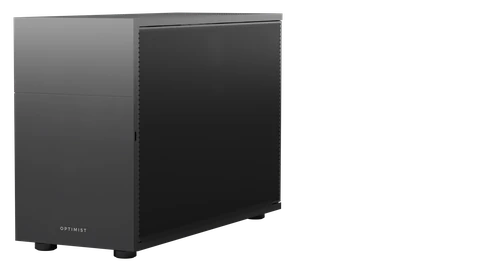
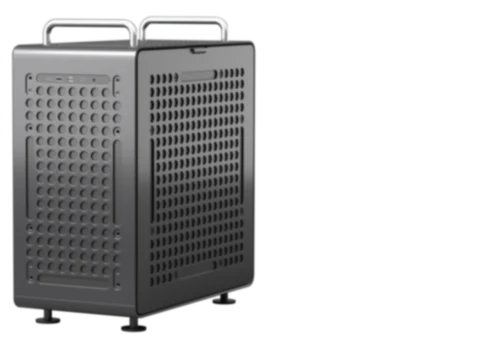
Number2 OP-M
For projects over 30,000 images. It takes up to 512 GB of memory. That covers the top row of Esri’s table, 65,000 images at 256 GB, with room to grow.
- One or two RTX 5090 GPUs, 32 GB each
- Air-cooled
- AMD Threadripper: up to 64 cores, 512 GB of memory, 24 TB of storage
- With one RTX 5090, air‑cooled: $19,720


Fleet manager
Every system we ship has its own page, with its parts, its tests and its repairs.
See how it worksA system page in the sample fleet: OPC-000024, a water-cooled OP-M with four RTX PRO 6000 Max-Q GPUs, in Lab 118.